
How to Set Up and Calibrate Your Automatic Pool Cleaner
Monday, June 1, 2025 | Your Happy Dolphin Pool & Spa Team
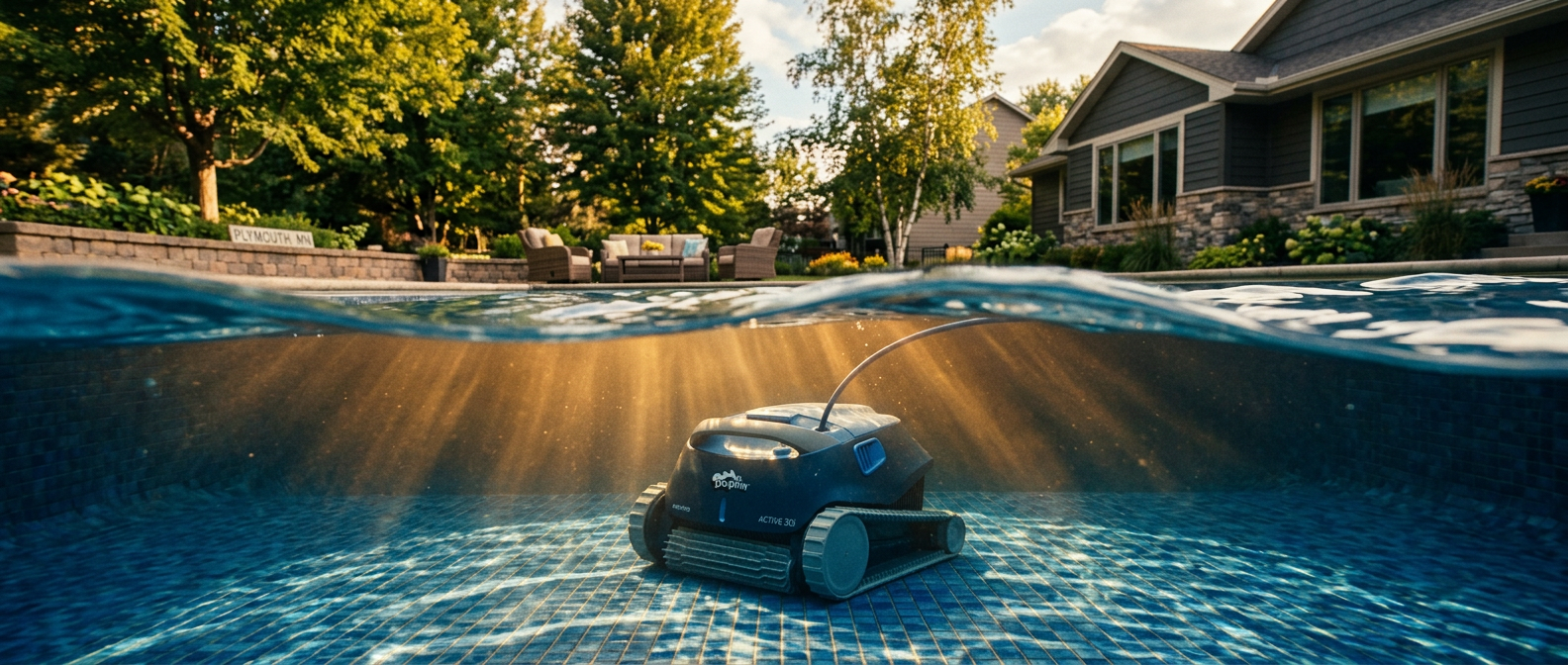
Images are AI generated and do not depict an actual pool or Dolphin Pool & Spa location.
Your automatic pool cleaner is one of the best time-savers in your backyard — but only when it's set up correctly. A cleaner that's not properly calibrated can miss half the pool, get stuck in corners, tangle its hose, or wear out faster than it should. Take the time to do the setup right at the start of the season and it'll run reliably all summer long.
Whether you're reconnecting an automatic cleaner after winter or setting one up for the first time, here's a step-by-step guide to getting it running the right way.
1 Know What Type of Cleaner You Have
Not all automatic cleaners work the same way. Setup and calibration steps vary depending on the type, so it helps to know which one you have before diving in.
The steps below cover all three types where relevant. If you're not sure which you have, check where it connects — skimmer line means suction-side, return jet means pressure-side, and a power cord to an outlet means robotic.
2 Inspect the Cleaner Before It Goes in the Water
After sitting in storage all winter, it's worth a quick inspection before you drop it in the pool. A few minutes now can save you from fishing out a broken part or tracking down a leak mid-season.
|
|
Pro Tip: Replace Worn Brushes Before the Season Starts
Worn brushes are the number one reason cleaners stop scrubbing effectively. If the bristles look flattened, cracked, or significantly shorter than a new set, replace them now. Fresh brushes make a noticeable difference in how clean the walls and floor stay throughout the season.
3 Set the Correct Hose Length (Suction and Pressure-Side)
Hose length is one of the most common calibration mistakes. Too short and the cleaner won't reach all areas of the pool. Too long and the hose tangles, the cleaner loses suction, or excess hose piles up on the bottom and interferes with movement.
The right length is just enough hose to reach the farthest point of your pool — typically measured from the skimmer or return connection, along the wall, to the opposite corner of the deep end.
How to Measure Hose Length
Lay the hose along the longest diagonal path from the connection point to the farthest corner of the pool — along the wall, not across the water. Add one hose section. That's your target length. Assemble sections in the sun for 10–15 minutes before measuring; cold hose sections are stiff and may give a slightly short measurement.
4 Balance the Flow Rate (Suction-Side)
Suction-side cleaners draw water through your pump. If the flow is too strong, the cleaner sticks to the floor or walls and won't move. If it's too weak, it won't pick up debris. Finding the right balance usually requires adjusting a flow regulator disk or restrictor valve.
Most suction-side cleaners include a flow regulator at the skimmer connection. Start with it fully open, drop the cleaner in, and observe. The cleaner should move at a moderate, steady pace — not racing around uncontrollably, and not crawling or stalling. Adjust the regulator in small increments until the movement looks right.
Heads Up: Don't Let the Cleaner Starve Your System
A suction-side cleaner connected to your skimmer competes with normal skimming for flow. If you notice your pool's surface skimming is suffering while the cleaner runs, consider installing a dedicated suction port (a wall fitting separate from the skimmer) so both can operate without compromising each other. Ask us about this option if you're seeing flow issues.
5 Check Pressure and Booster Pump (Pressure-Side)
Pressure-side cleaners need adequate water pressure to move and collect debris. Some models run on your existing return pressure; others require a dedicated booster pump. Before starting the season, confirm your booster pump (if you have one) is primed and operational — this is often something that gets missed at opening.
With the cleaner connected and running, check that the tail or sweep is moving actively, the debris bag is inflating, and the cleaner is moving in a random pattern covering the whole pool. If it's only covering part of the pool, check that all jets on the cleaner body are clear and unobstructed.
Heads Up: Empty the Debris Bag Before Every Run
A full or restricted debris bag is one of the most common reasons pressure-side cleaners underperform. A clogged bag reduces flow through the cleaner, slows movement, and can cause the cleaner to stall. Get in the habit of checking and emptying it before each cleaning cycle.
6 Set Up Your Robotic Cleaner for the Season
Robotic cleaners are the most self-contained option and — in our experience — the most effective at scrubbing walls and floors thoroughly. We sell and service Dolphin robotic cleaners right here in Plymouth, and they're our top recommendation for Minnesota pool owners who want a truly hands-off clean. That said, all robotic cleaners need a bit of attention at the start of each season. Before the first run:
|
|
Pro Tip: Run Your Robotic Cleaner When the Pump Is Off
Robotic cleaners work independently of your circulation system — you don't need the pump running during the cleaning cycle. In fact, running the cleaner when the pump is off lets the water settle so the robot picks up more debris instead of it being stirred up and sent back through the filter. Run the robot first, then start your pump cycle.
We Sell, Repair, and Even Rent Dolphin Robotic Cleaners
Dolphin Pool & Spa is one of the few places in the Twin Cities where you can get your robotic cleaner professionally repaired — not just replaced. We service Dolphin brand robots and carry parts to get your unit running again, which can save you hundreds compared to buying new.
Not sure if a robotic cleaner is right for you? We have refurbished Dolphin models available to rent so you can try one in your own pool before you commit to buying. Stop in or give us a call to check availability.
7 Watch the First Run and Adjust
No matter what type of cleaner you have, the first run of the season is a diagnostic run. Stay nearby and watch for the first 10–15 minutes to make sure everything looks right. Here's what to watch for:
8 Keep Your Water Balanced for Best Cleaner Performance
Your automatic cleaner works best in balanced water. Unbalanced chemistry — especially low pH or high calcium — accelerates wear on rubber components, hoses, and brushes. Maintaining proper water balance extends the life of your cleaner significantly.
Bring a water sample into Dolphin Pool & Spa for a free analysis with $50 in chemical purchases and we'll make sure your water is in the right range for all your equipment — not just your cleaner. BioGuard's professional-grade chemistry balances quickly too, with only a 15-minute wait between doses so you're not losing a whole day getting your water right.
Pro Tip: Run the Cleaner After Vacuuming, Not Before
At the start of the season, your pool floor likely has a heavier-than-normal debris load from opening. Do a manual vacuum first to clear the bulk of it, then put the automatic cleaner to work. Starting with a heavily soiled pool will clog the filter or debris bag quickly and cut the cleaning cycle short.
We Sell, Repair & Rent Dolphin Robotic Cleaners
Whether you need parts, a repair, or you're ready to try a robotic cleaner for the first time, we've got you covered. Stop in at 3405 Hwy 169 N in Plymouth or call us — we're one of the only places in the Twin Cities that repairs robotic pool cleaners, and we have refurbished rental units available so you can try before you buy.
 Call Us Now — 763-542-9000
Your Happy Dolphin Pool & Spa Team
Serving the Twin Cities metro since 1988 | Plymouth, MN | 763-542-9000